LaunchPad
B2B
Ecommerce Platform
UI & UX
PROJECT OUTCOMES
Empowered merchants to independently launch retention workflows via a no-code cancel-flow builder, cutting configuration time from 120 to 15 minutes, helping UK brands retain customers and grow subscription revenue.
Increased self-serve adoption of Cancel Flow from ~10% to ~80% by redesigning the end-to-end creation and launch experience—shifting implementations from engineering-dependent to merchant-driven.
My Role
Product Designer. I owned the work end-to-end: research, problem framing, competitive analysis, concept exploration, prototyping, usability testing, and final UI design.
Team
Me (Product Designer), Emanuel Mota (Product Manager), Solution architect & Engineers
Clients / Merchants
Timeline
3 weeks | Design sprint | Nov 2024
PROBLEM
Okay! Let's first understand the problem of Mr. Terry (Retention Manager in coffee subscription brand)…
It's Mr. Terry's job to keep subscribers around. His customers love the coffee.

But every week, some of them hit "Cancel Subscription."
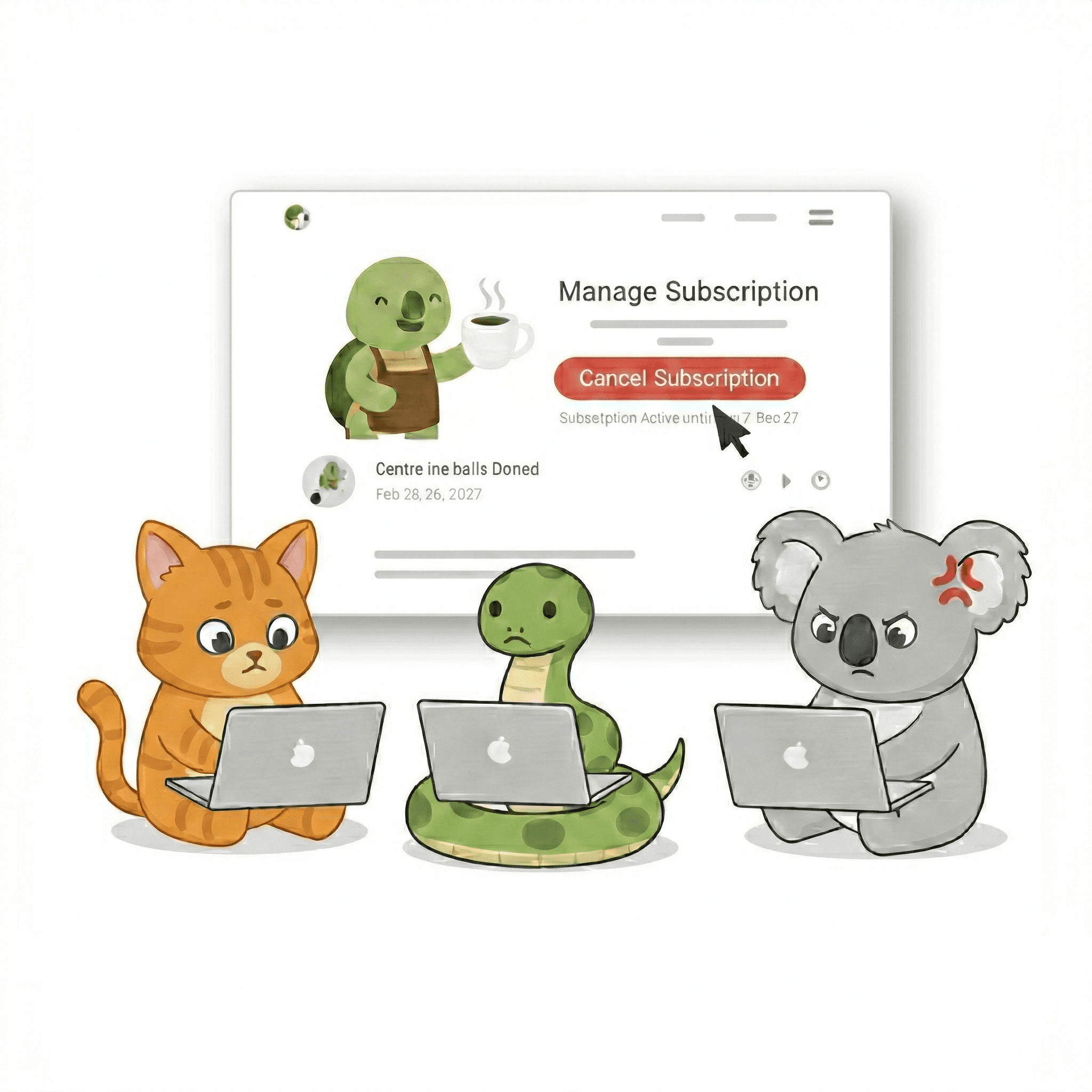

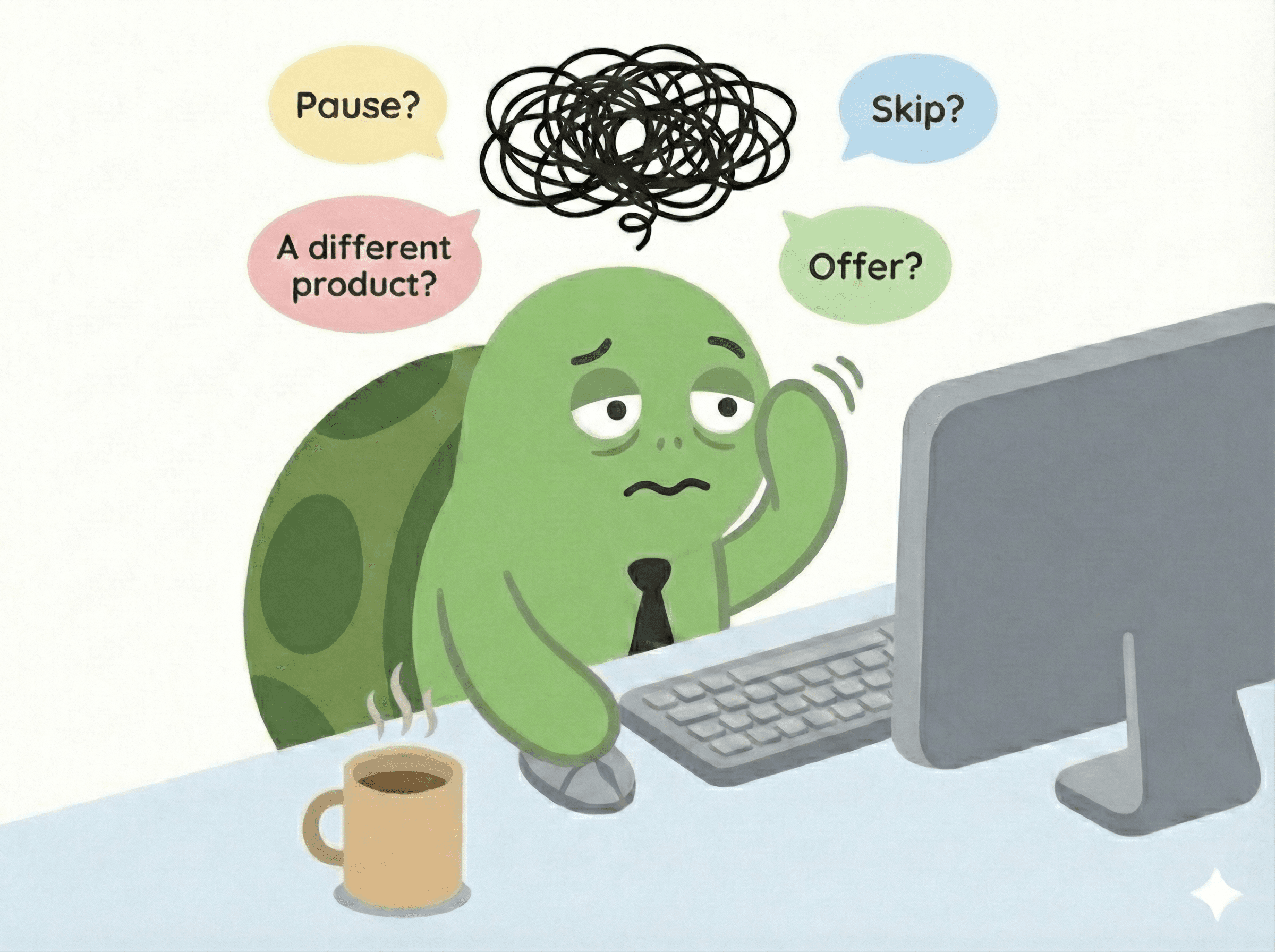

So he loops in his dev team—just to get it built, save customers and capture the data.

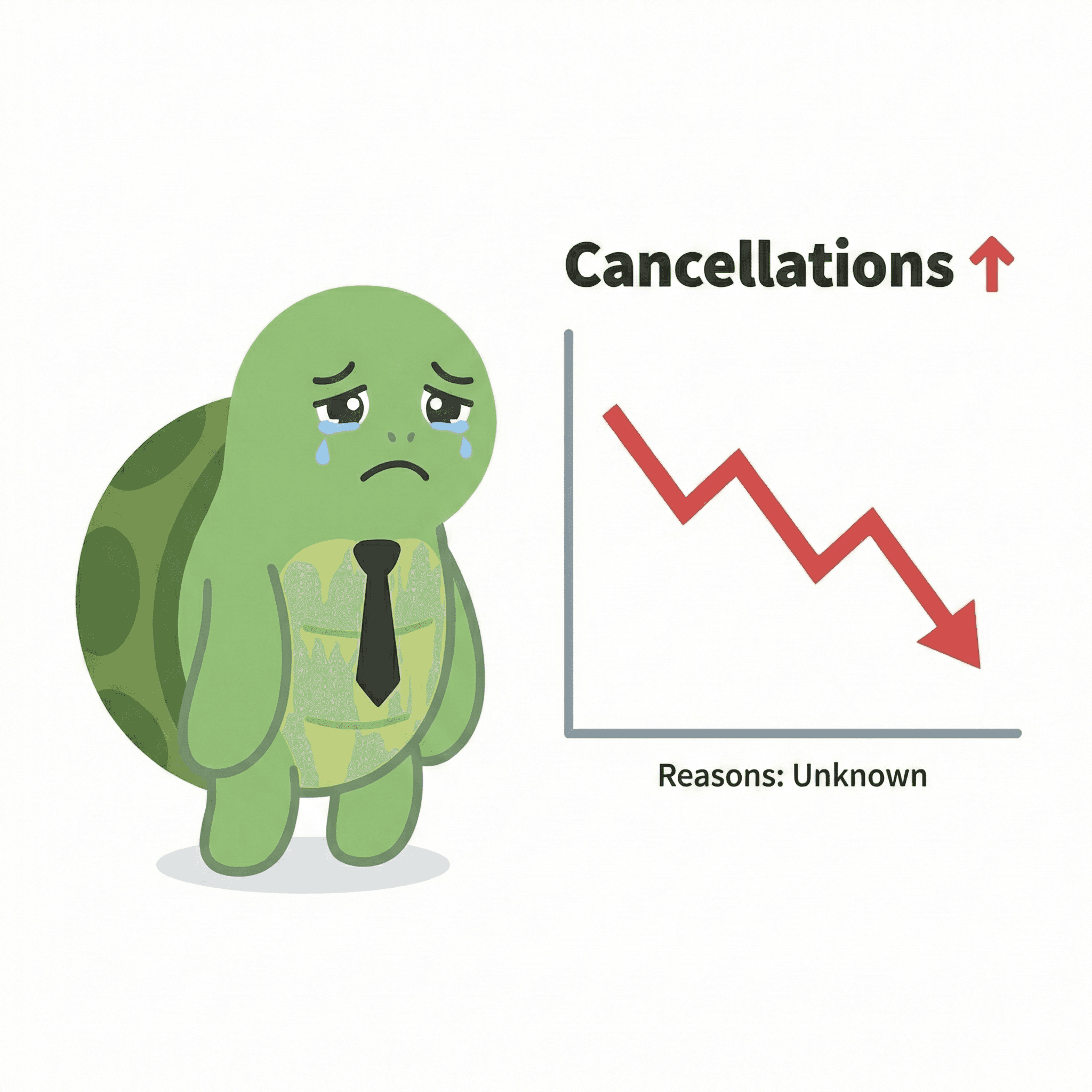
But it takes too long. And by the time it's ready, he's already watching them churn without understanding why *change this image reason unknown to smt else
SO THE CHALLENGE WAS
Reduce engineering costs and time by enabling merchants to easily create personalized retention flows based on why subscribers cancel.
PROBLEM SPACE SUMMARY
The Gap Between Potential and Reality
Merchants had the tool—but couldn't unlock its value. And roughly 40% of saveable customers were slipping away every month as a result.
The old experience — setting up a cancel flow (admin) and what the subscriber saw on the other side.
Through merchant interviews and an audit of the existing flow, I mapped four gaps that were keeping the feature stuck:
Hidden Complexity Kills Usability
Everything buried in modals and accordions. Merchants can't see the whole picture at once—they either give up or set it once and forget it.
Setup Takes 45–120 Minutes
Too slow to configure. Too slow to iterate. Result: Only 41% of merchants who started actually launched it live.
No way to target specific customer segments
All customers get the same offer. A subscriber who’s been with you for over 8 months and has spent $500 sees the same discount as a first-timer. One-size-fits-all = low save rates.
Flat, One-Step Cancel Experiences
Merchants can’t adapt to each choice during cancellation, so if a customer declines one offer there’s no smart follow-up—making the flow feel flat and costing save opportunities.
Research highlights
What problems merchants & customers were facing?
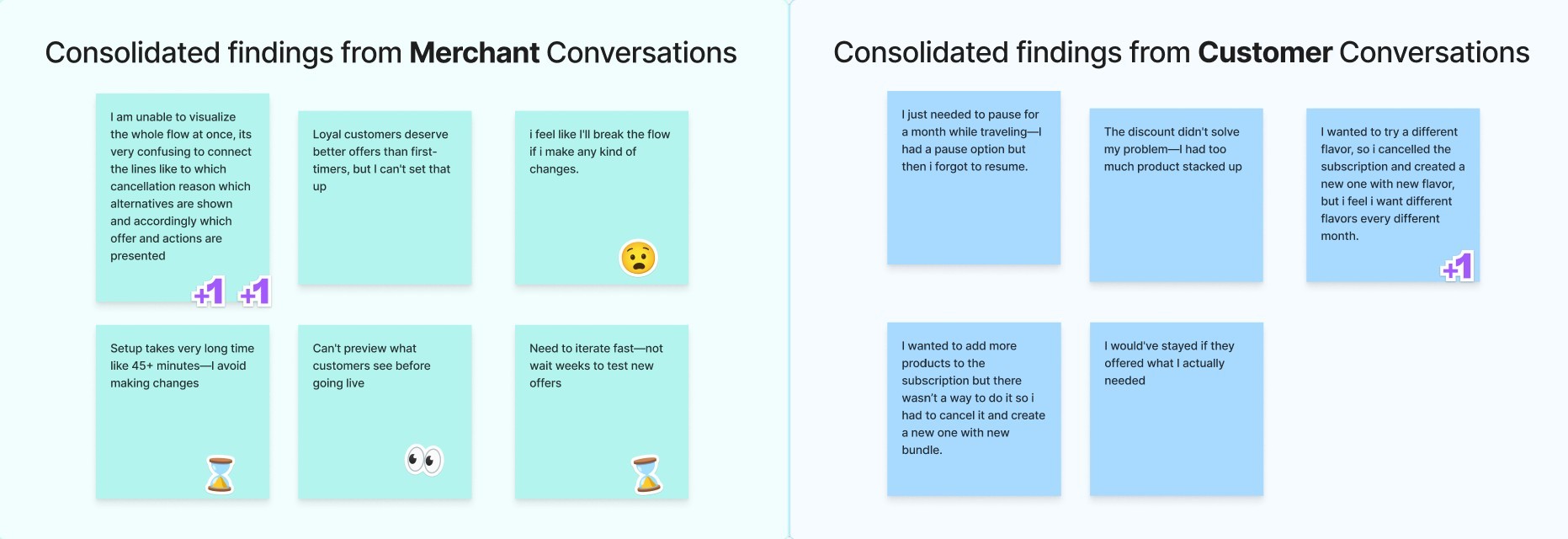
To understand where the friction actually lived, I ran video interviews with merchants (Pact Coffee, Pasta Evangelists, Pinter, Free Soul) and with subscribers who'd recently tried to cancel. Then I synthesised the findings into four working insights:
What I explored
How merchants currently build cancel flows
What slows them down at launch
What customers want when they hit Cancel
Why personalization matters
What I found
They think in customer journeys, not nested lists
They need to see the whole flow at once, not piece-by-piece previews
Most don't want to leave—they want flexibility
Generic offers feel like spam; relevant ones feel like service
Flexibility was our biggest selling point but it was quietly slowing merchants down
And the team defended that promise, often.
Hard to argue with on principle. But the more I sat with the design, the more I felt it had been over-applied in places — "flexible" had quietly become extra work for the merchant, with no real benefit for the subscriber. Research kept pointing the other way: merchants asking for less setup, not more.
So I started flagging examples. The conversations that followed pushed us to actually sit down and define what flexibility meant for this product.
The conversation
My concern
Team's pushback
Where we landed on flexibility
The cap on save offers
Merchants were stacking 5+ save offers per reason. Hick's Law — too many options, subscriber gives up and clicks cancel anyway.
PM: "Merchants have the freedom to add as many as they want. It's their decision."
Flexibility means giving the merchant the choice, not removing it. A hard cap would contradict that — so it didn't ship. But a global setting where merchants choose the max number of save offers shown respects both sides — flexibility intact, just bounded. On my list for next cycle.
The custom button label
Merchants picked an action and wrote a custom button label. The action name was already the right label — the extra field was setup work for marginal benefit.
Engineering: "More customization is more flexibility."
Flexibility means expanding what merchants can do, not multiplying the number of fields they have to touch. The custom-label field was an example; we cut it.
Competitive landscape
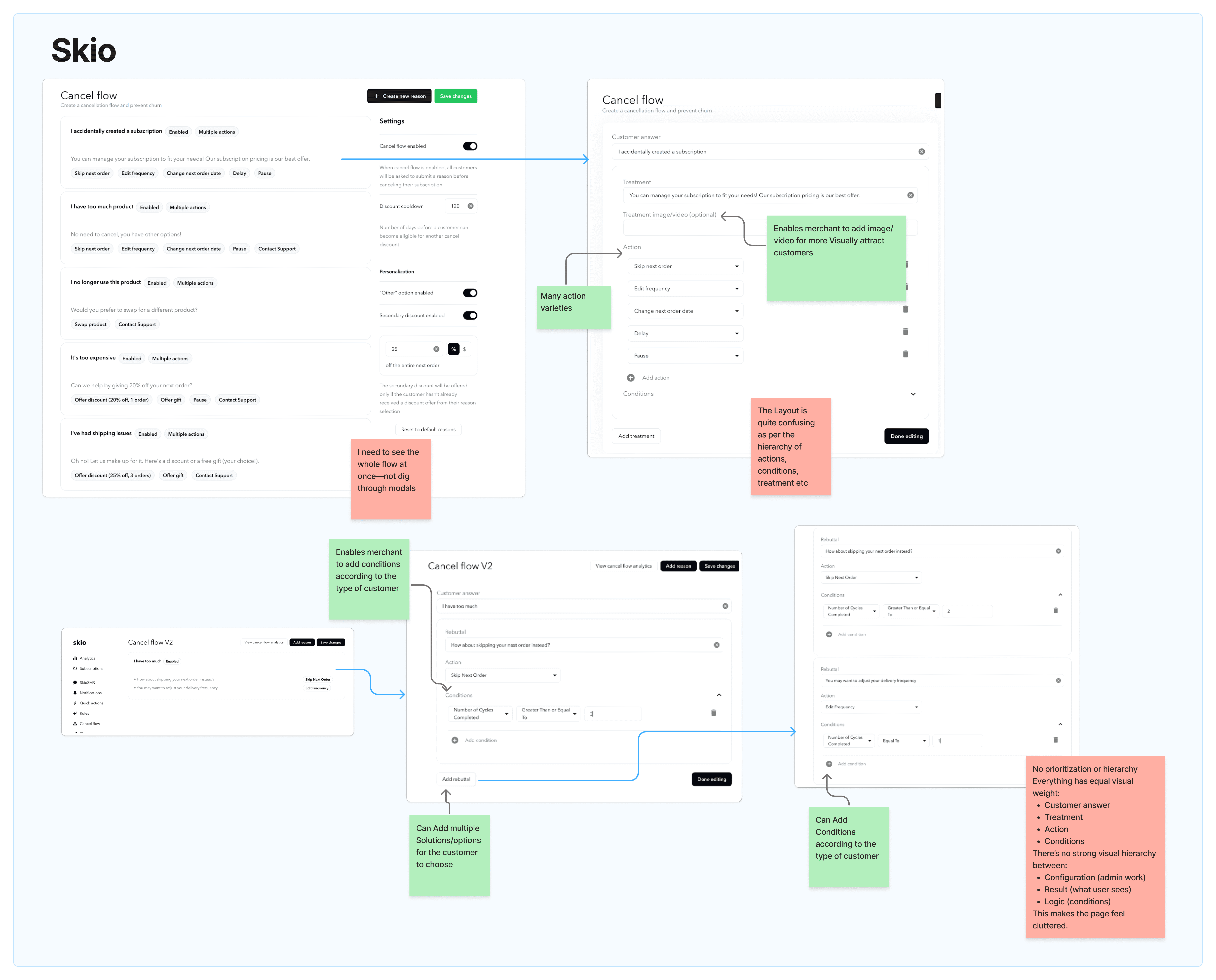
I benchmarked Skio and Recharge—the market leaders our clients had churned away from. Both had powerful conditional logic. Both still failed real merchants on speed and clarity.
DESIGN EXPLORATION
Concept evolution
I sketched three directions on paper, then prototyped each in Figma Make — sketch to interactive flow in a day instead of a week, just enough to test the underlying logic before adding visual polish.
For every concept, I gathered feedback from three perspectives:
Merchants — the users
Engineering — feasibility
CXM — support implications
The lens I kept returning to was the merchant's mental model. Every retention manager I'd interviewed described their flow the same way — a journey on a whiteboard, branching by reason.

Which concept matches how they already think, instead of forcing them to think like the system?
❌ Wizard-based setup
One reason per screen, with live preview alongside.
Configuring a single reason — solution, condition, and customer-side preview, all on one screen.
Why it failed
Only one solution per reason, no segmented offers
Screen-by-screen pacing slowed merchants down
❌ Reusable solutions linked to reasons
Solutions created once (with optional conditions), then attached to reasons in a separate form. Multiple solutions per reason, reusable across many.
Creating a reusable solution with conditions, then linking it to multiple reasons in a separate form.
Where it landed
The win: reusable, consistent solutions
The miss: merchants couldn't see the flow as a journey - they had to assemble it mentally across two screens
✅ Visual flowchart builder
The whole journey on one canvas.
Configuring a single reason on the canvas - multiple conditions and solutions, then the customer-side preview.
The trade-off
Engineering took on more, React Flow integration, drag-and-drop edge cases
YariFlow is desktop-first, so the canvas wouldn't translate cleanly to mobile if ever required
THE AFTER-MATH
Viable version validation
I ran usability tests of the flowchart concept with the four merchant teams from research, plus internal CXMs. All five participants completed the core task—building a segmented, multi-step cancel flow—without help. Configuration time dropped from a 45–120 minute baseline to under 15 minutes on first try.

Competitive landscape
I benchmarked Skio and Recharge—the market leaders our clients had churned away from. Both had powerful conditional logic. Both still failed real merchants on speed and clarity.